Why this matters for your server ⚙️
If you’re running a private or dedicated 7 Days to Die server, the move to version 2.3 isn’t just another patch. It unlocks new admin and modder tools, changes biome and hazard mechanics, and tweaks core server behaviour that can seriously affect player experience.
Let’s dive into what’s new and what you should adjust before your next horde night.
Key changes and admin takeaways 💡
1. Biome & hazard rework 🌲🔥❄️
- Biomes now feature updated survival mechanics: players can survive 3 minutes without protective gear before taking damage (Sportskeeda).
- Survival gear is dropped on death if your server’s “drop on death” setting is enabled (7daystodiemods).
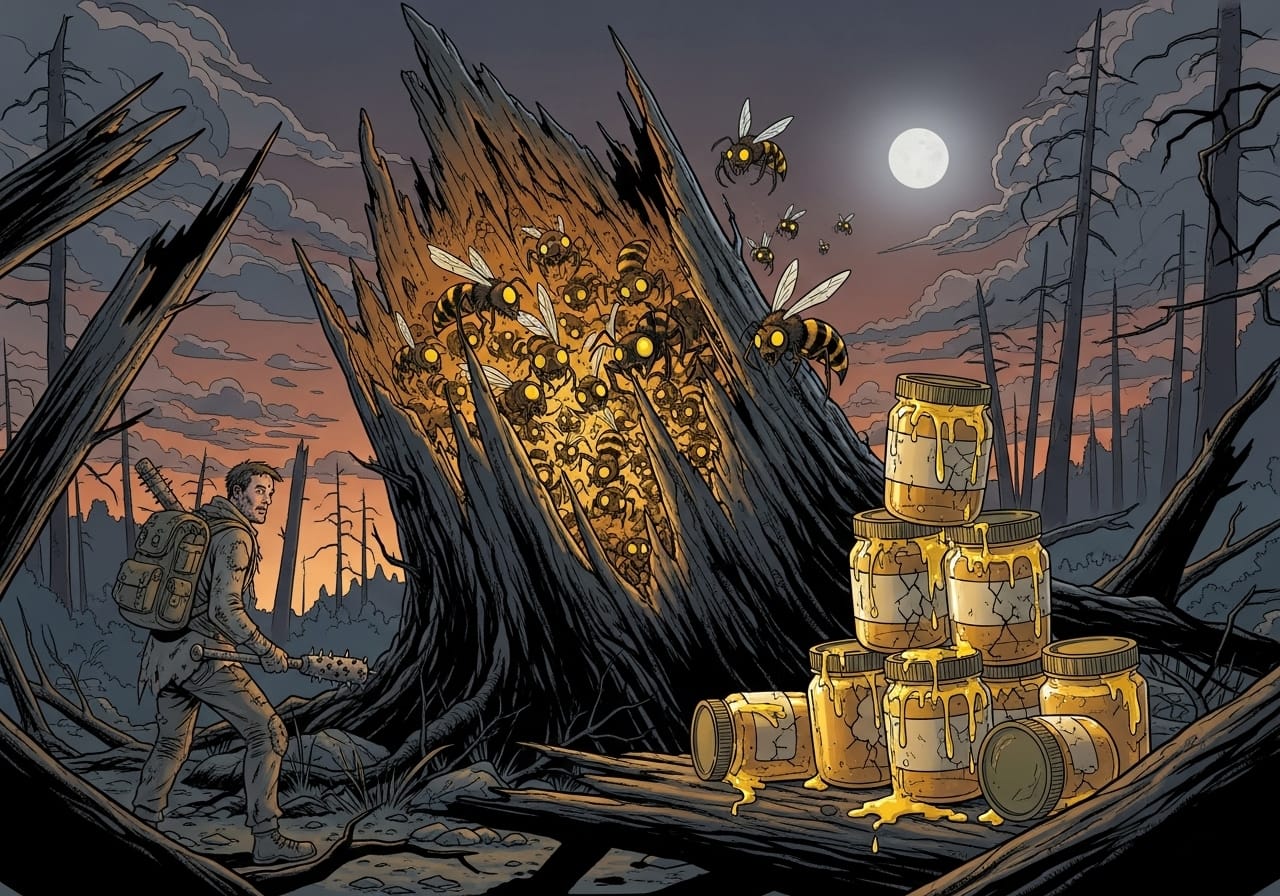
- Tree stumps are now buzzing with activity - honey may come with 🐝 bees, though not every honey drop has them (7daystodiemods).
Admin tip: Review hazard recovery timers, drop-on-death rules, and world-gen loot to keep your biome experience balanced.
2. Smarter AI & zombie spawn tweaks 🧟♂️
- Zombie AI feels livelier: improved wandering, random turns, and more dynamic alert states (Sportskeeda).
- Blood Moon finales just got scarier, the last spawn group now scales to 999 zombies and continues until sunrise (7daystodiemods).
- Storm frequency defaults to 0 for new saves, meaning calmer skies unless you crank it back up.
Admin tip: Check your spawn group settings if you’re running PVP or high-intensity servers. The new Blood Moon logic can overwhelm players fast if left unadjusted.
3. Launcher & modding improvements 🧩
- New launcher argument
selfconfinedallows separate settings/logs per instance, ideal for hosts running multiple servers (Sportskeeda). - Cleanup tools now handle “local prefabs” and “mods” automatically (7daystodiemods).
- Fresh event functions give modders new powers: detect if players are inside trader zones, trigger events via XML, or retrieve all active players.
Admin tip: Modded servers should test thoroughly. The new hooks enable deeper automation (think custom loot drops when entering trader zones).
4. Cross-play & config changes 🎮
- Better handling of console cross-play settings: incompatible values like
AirDropFrequencyandLootRespawnDaysnow trigger startup errors instead of silent bugs (7daystodiemods). - Visual polish: improved water rendering through glass and fixed black-screen biome transitions.
Admin tip: If your community includes console players, double-check config values before launch to avoid login issues.
What to do before launching 2.3 🧾
- 💾 Back up your world and player data.
- 🧪 Test on a staging server if you run mods, some need patch updates.
- 🧰 Review
serverconfig.xmlfor hazard, spawn, and cross-play settings. - 🔄 Update mods that rely on old GameEvent hooks or world-gen rules.
- 📢 Communicate to your players: mention hazard timers, bee mechanics, or Blood Moon difficulty changes.
Quick check-list for a ChipHead hosted server 🧠
| Setting | New default or behaviour | Action required |
|---|---|---|
| StormFrequency | Defaults to 0 for new saves | Set manually if you want more storms |
| Blood Moon final spawn | 999 zombies, runs till sunrise | Tune difficulty or add cooldown |
| Hazard survival time | 3 minutes without gear | Notify players, adjust difficulty |
| Event hooks | New mod API options | Review custom mods for compatibility |
Final thoughts 💭
Update 2.3 is one of the most meaningful updates for server admins in months. Between smarter zombies, refined biomes, and powerful new modder tools, it’s worth taking the time to fine-tune your setup.
If you’re running your 7 Days to Die world on a ChipHead server, upgrading is seamless and fast - you can back up, test, and deploy your new configuration all in one place. Learn more here.