Why mod Project Zomboid? ⚙️
Project Zomboid is already one of the most immersive survival games ever made but mods turn it into your apocalypse.
Whether you want tougher zombies, better base-building, or total realism, the modding community constantly delivers new ways to die (and occasionally, survive). The best part? Most mods work seamlessly in multiplayer, so you can share the chaos with friends.
Here are the must-have mods every survivor should know about in 2025.
🔫 Brita’s Weapon Pack
A cornerstone of modded Zomboid servers. Brita’s Weapon Pack adds hundreds of firearms, attachments, and equipment. It overhauls the entire gun system with detailed models, magazines, and ammo types.
💡 Perfect for: Players who love tactical realism and varied combat.
🧩 Pairs well with: Arsenal(26) GunFighter mod for extra weapon mechanics.
🧰 Hydrocraft
The ultimate expansion mod for crafting and survival depth. Hydrocraft adds thousands of new items, from chemistry sets and carts to beekeeping and glassblowing. It’s a true endgame builder’s dream.
🪓 Perfect for: Players who want more late-game content and deeper crafting loops.
💬 Note: Slightly heavier on performance, so best for dedicated servers.
🧍 Authentic Z
Bring the world to life with diverse zombie appearances, survivor outfits, and randomised gear. Authentic Z makes each encounter feel unique, adding variety without changing difficulty.
🧠 Perfect for: Immersive, roleplay-focused servers or players who want visual variety.
🧱 More Build +
A simple but essential mod that expands your construction options - new walls, furniture, floors, and decorations. Great for creative players and anyone who wants to turn a safehouse into a fortress with style.
🧱 Perfect for: Builders, decorators, and multiplayer bases that double as showpieces.
🚗 Vehicle Repair Overhaul
Makes car maintenance and repairs far more detailed and realistic. You’ll manage part wear, replacements, and even custom vehicle spawns. It adds depth without overwhelming new players.
🚙 Perfect for: Nomadic survivors who rely on vehicles for scavenging runs.
🧟 Superb Survivors!
Finally, NPCs that actually do something. This mod adds AI-controlled survivors who scavenge, fight, and interact with you. You can recruit them, trade, or compete for resources.
🤝 Perfect for: Solo players or small servers who want more life in their world.
🍳 Expanded Helicopter Events
Adds variety and unpredictability to the skies. Instead of a single helicopter event, you’ll see supply drops, military patrols, and even air raids that can change the course of your survival.
🚁 Perfect for: Servers looking to spice up long-term play with random, high-stakes events.
💬 Mod Options
Not exciting on its own, but essential for fine-tuning. This mod adds an in-game interface to adjust settings for most other mods without restarting. It’s a must-have for admins who run multiple plugins.
⚙️ Perfect for: Server owners who like flexibility and easy configuration.
🧩 Pillow’s Random Scenarios
Turn every playthrough into something new. This mod randomises starting conditions; spawn locations, traits, weather, and storylines - creating a fresh challenge each time you load in.
🎲 Perfect for: Roleplay or survival servers that want unpredictable gameplay.
🧠 Essential Quality-of-Life Mods
Bundle these small mods together for maximum comfort:
- Better Sorting – Automatically organises your inventory.
- Minimal Display Bars – Cleaner UI for health, stamina, and hunger.
- Autotsar Tuning Atelier – Adds realistic car customisation.
- Zombie Loot Settings – Fine-tune what the undead drop.
🧩 Perfect for: Everyone, they make survival smoother without changing balance.
Installing mods safely 💾
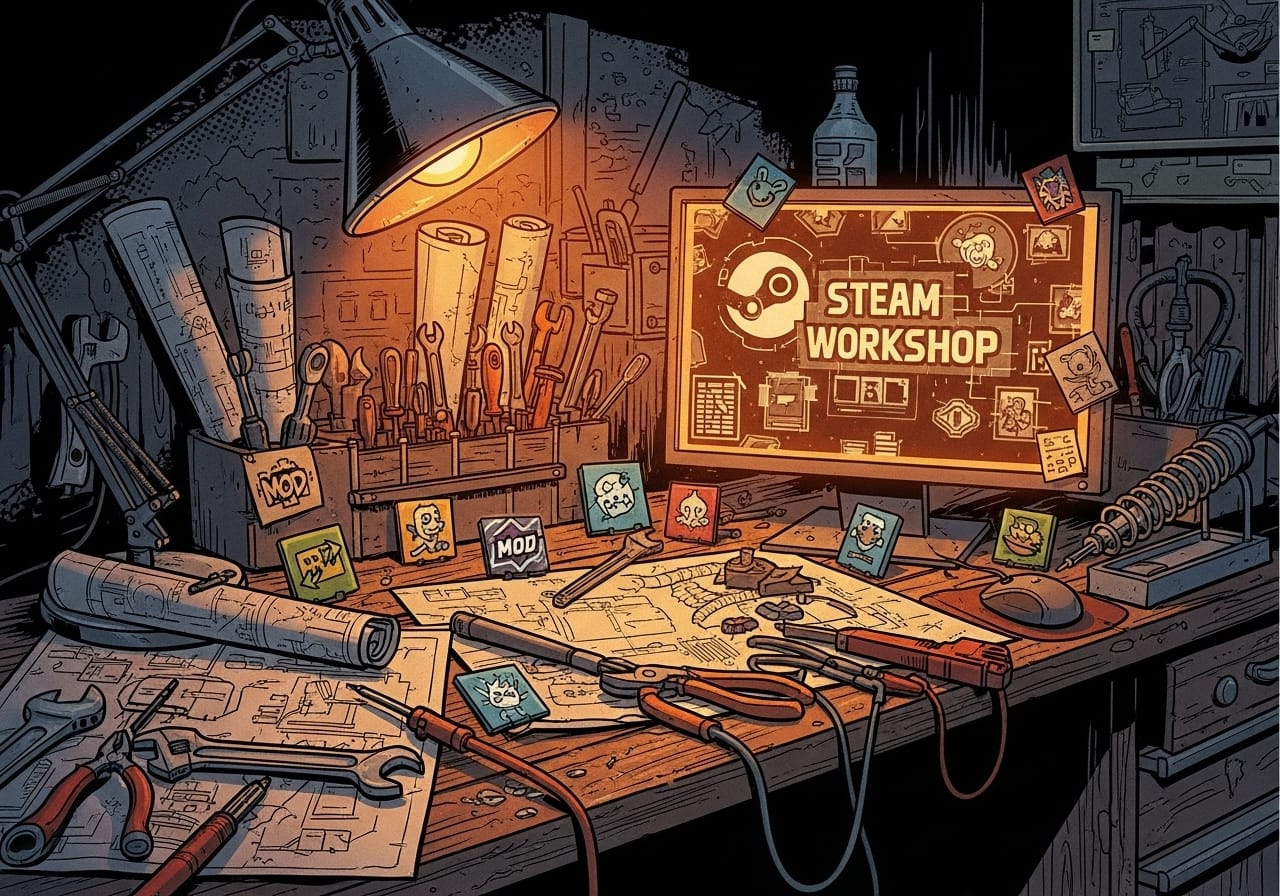
- Subscribe to your chosen mods on the Steam Workshop.
- Enable them in your game’s Mods menu.
- For servers, add the mod IDs and Workshop IDs to your servertest.ini file.
- Restart the server to sync changes for all players.
🧠 Pro tip: Keep your mod list tidy, too many overlapping mods can cause long load times or compatibility errors.
Balancing performance 🚀
Mod-heavy servers are more fun but require smart management:
- Keep your autosave interval longer for smoother gameplay.
- Avoid combining big overhauls like Hydrocraft and Brita’s unless your server is powerful.
- Always test new mods in a private world before adding them to live servers.
If you’re running your world through ChipHead, our dedicated servers are built for mod-heavy games like Project Zomboid - stable, lag-free, and ready for chaos.
Final thoughts 💭
Project Zomboid mods are what make every apocalypse unique. Whether you’re building the perfect base, surviving with AI allies, or dodging military helicopters, there’s a mod to fit your playstyle.
Start with a few essentials, build your collection slowly, and curate a setup that challenges your friends while keeping things fun.
Because in Zomboid, survival isn’t about how long you last, it’s about how you survive. 🧟♂️