Why Host Your Own Convoy? 🚚
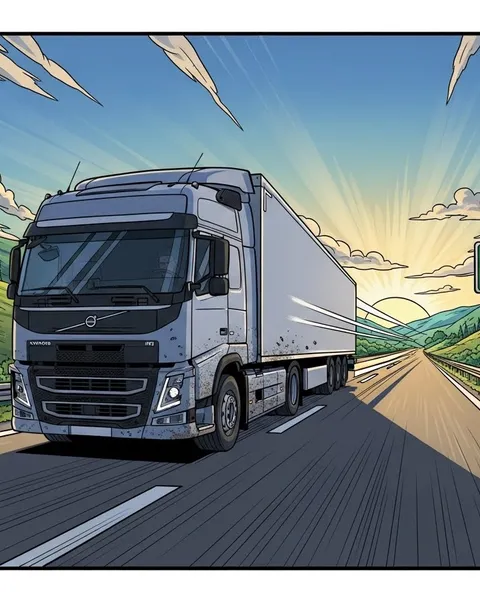
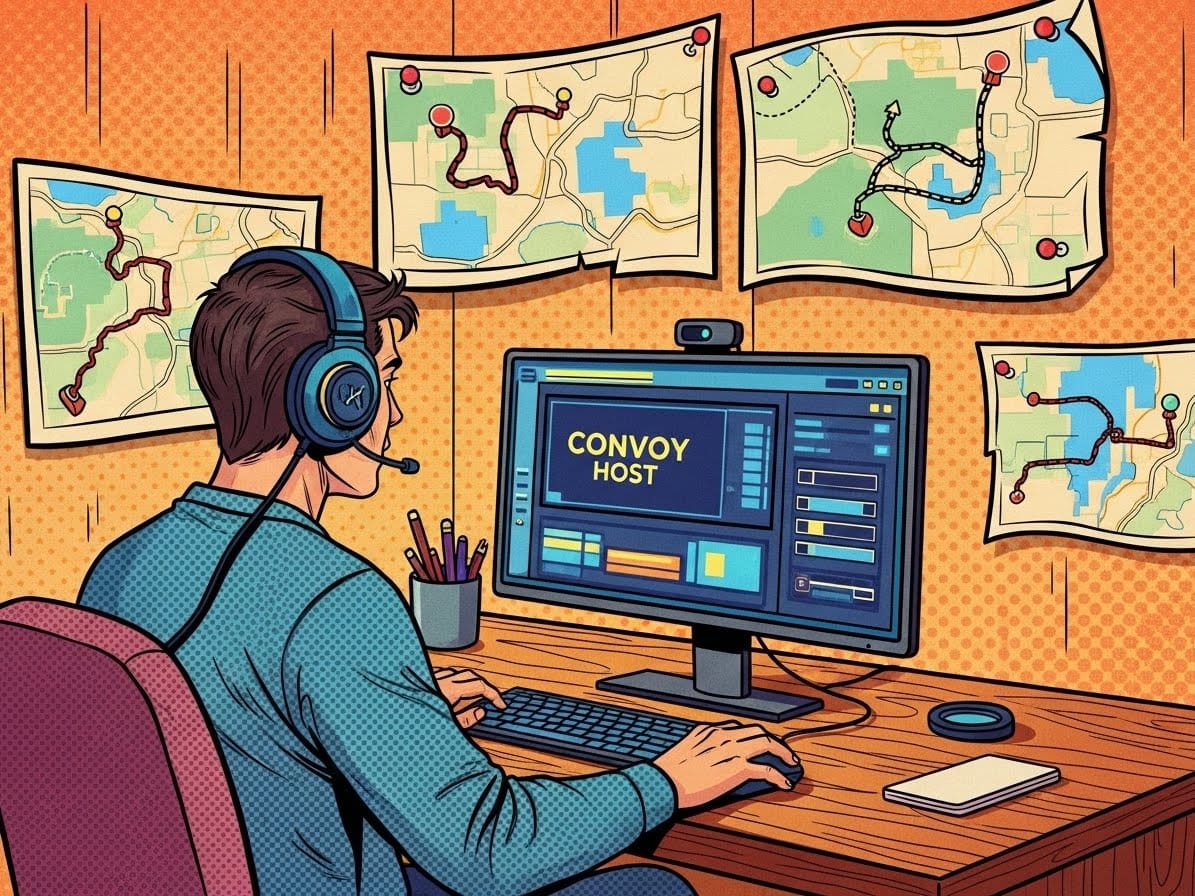
There’s nothing like hitting the open road with friends in Euro Truck Simulator 2. Hosting your own Convoy server lets you control the route, the mods, and the vibe, whether you’re building a private trucking company or running weekly community drives.
The best part? You don’t need external mods like TruckersMP anymore. ETS2’s built-in Convoy mode makes multiplayer smooth, simple, and synchronised.
1. Check the Basics ⚙️
Before you start, make sure you have:
- A stable internet connection (minimum 10 Mbps upload)
- A public IP address or properly configured port forwarding
- The latest version of ETS2
- Any mods you want to use installed and enabled
Pro Tip: Everyone in your Convoy must use the same game version and mods, mismatched setups will block connections.
2. Launch Convoy Mode
From the main menu:
- Click Convoy
- Select Host Session
- Set a server name and description
- Choose whether it’s Private (with password) or Public
- Configure settings like:
- Maximum players (up to 8)
- Time sync (real-time or independent)
- Damage and collisions
Click Confirm, and your Convoy server will appear in the lobby list.
3. Invite Your Friends 👥
Once your server is live:
- Share your Convoy name and password with your group
- Friends can join via the Convoy Browser
- If it’s a private server, they can also connect directly via Steam friends list
Bonus Tip: Use Discord or in-game chat to coordinate start times, routes, and fuel stops, teamwork makes for smoother convoys.
4. Configure Mods and Add-ons 🧩
If you’re using mods:
- Make sure all players have identical Workshop subscriptions
- Enable them in the same order under Mod Manager
- Stick to lightweight mods like realistic sounds, weather, or interiors to keep stability high
Pro Tip: Avoid graphics overhauls or AI traffic mods during multiplayer, they can cause desync and lag.
5. Forward Ports for Better Stability 🔌
To make your Convoy server visible to others (especially outside your local network):
- Open port 27015 (UDP) in your router’s settings
- Allow ETS2 through your firewall
- Restart your game and check if your server appears publicly
If that sounds like a headache, hosting with a provider like ChipHead gives you preconfigured ports, high bandwidth, and rock-solid uptime, no manual setup needed.
6. Run Smooth Convoy Events 🛣️
Once you’re set up, make it fun! Try:
- Weekly themed drives (e.g., night hauls or winter runs)
- Photo ops at landmarks
- Company-style convoys with logistics ranks
- Competitions for parking accuracy or delivery times
The Convoy mode keeps everyone synced, traffic lights, weather, time, and even damage systems stay consistent for all players.
Final Thoughts 🚦
Hosting your own ETS2 Convoy server turns trucking into a community experience. It’s easy to set up, highly customisable, and a great way to connect with friends on the open road.
With ChipHead hosting, you’ll never have to worry about lag or connection drops. Our servers deliver smooth Convoy sessions, seamless mod support, and low-latency routes across Europe. Keep your wheels turning, and your network steady. ⚡