
Why performance matters ⚙️
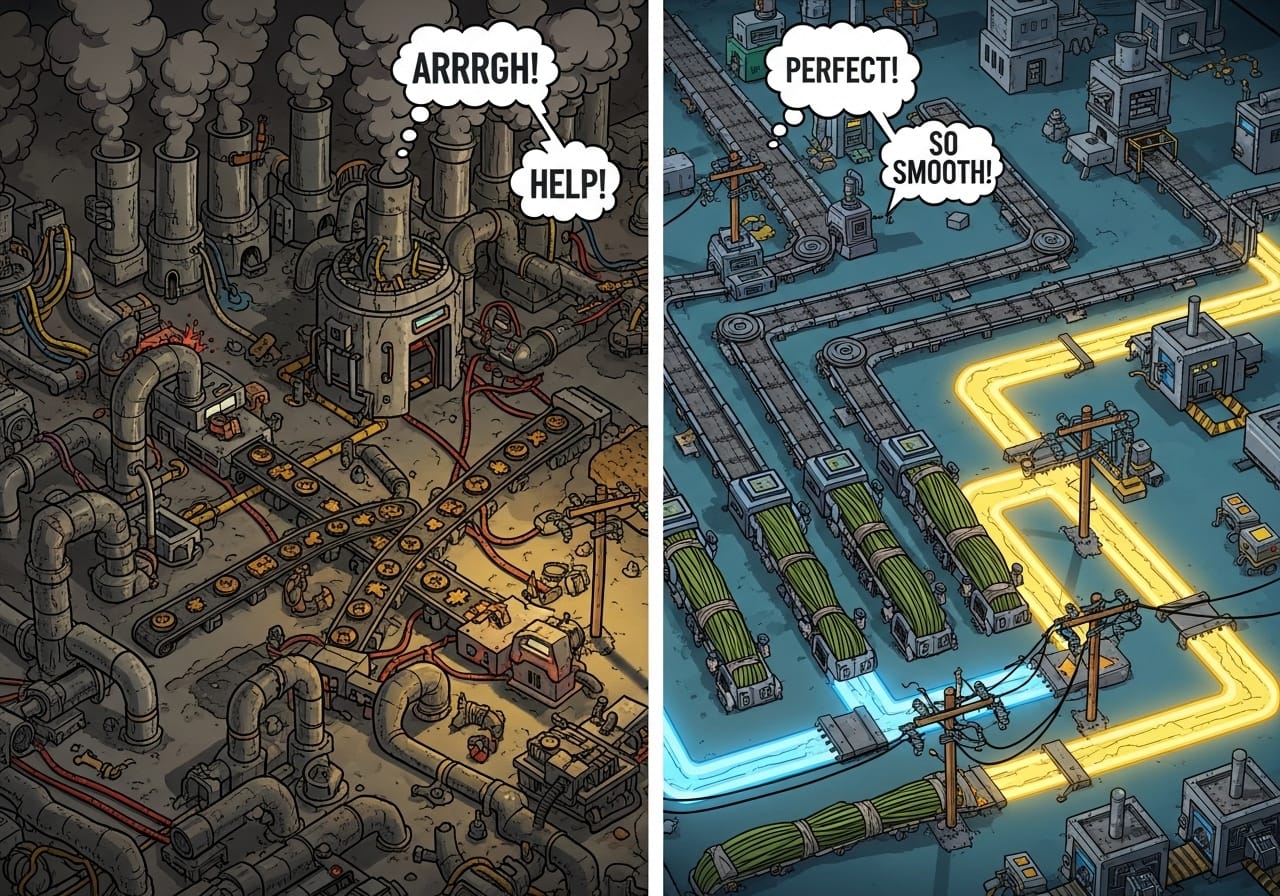
A good Factorio server should feel seamless - belts flowing, trains humming, and UPS steady at 60. But as factories grow and mods pile up, even powerful servers can struggle.
Performance drops mean slow crafting, delayed trains, and desyncs that frustrate players. With the right tweaks, though, you can keep your world running like a perfectly timed assembly line.
Understand UPS and latency 🧠
Factorio doesn’t measure performance in frames per second (FPS), it uses UPS (updates per second).
- 60 UPS means your factory is running at full speed.
- If UPS drops, your world is effectively “running slower.”
Latency also matters in multiplayer - even if UPS is perfect, high ping can make things feel delayed. The goal is to keep both stable.
Step 1: Choose solid hardware 💻
Factorio’s performance relies more on CPU than anything else.
- Prioritise high single-core speed over multiple cores.
- Use SSD or NVMe storage to reduce save and load times.
- Make sure your server has enough RAM, especially for modded games.
- A stable, low-latency network connection is essential for smooth multiplayer.
If you’re hosting with ChipHead, your server is already tuned for CPU-heavy games like Factorio, giving you consistent UPS and quick saves.
Step 2: Manage autosaves 💾
Autosaves are great for safety, but too frequent saves can cause brief stutters.
Adjust your autosave settings in server-settings.json:
autosave_interval = 10
autosave_slots = 3
That saves every 10 minutes and keeps three backups, a good balance between safety and performance.
🧠 Pro tip: Stagger autosaves for large servers during low-activity times to minimise disruption.
Step 3: Keep your map efficient 🌍
Big worlds mean big data.
- Avoid generating massive unexplored areas, use smaller starting maps or limit exploration radius.
- Clean up unused outposts or abandoned builds.
- Reduce biter base density in world generation for smoother UPS.
💡 Tip: The in-game debug menu (F4) lets you toggle performance graphs and map data - great for spotting problem areas.
Step 4: Optimise your factory design 🏭
A tidy factory is a fast factory.
- Use direct insertion between machines instead of belts where possible.
- Replace large belt systems with bots or trains for long-distance transport.
- Avoid too many constantly moving items, belts with thousands of units can cause lag.
- Simplify circuit networks and avoid looping signals.
🧱 Pro tip: Modular builds not only look great but make troubleshooting much easier.
Step 5: Be smart with mods 🧩
Mods are fantastic but can be the biggest performance killers.
- Remove unused mods, even inactive ones can load data.
- Keep all mods up to date; developers often release performance patches.
- Avoid stacking heavy overhaul mods like Space Exploration and Krastorio 2 unless you have serious hardware.
- Use lighter QoL mods when hosting public servers to ensure compatibility and performance.
Step 6: Control multiplayer desyncs 👥
Desyncs (when players drop out or lag behind) usually come from high latency, mod mismatches, or heavy activity spikes.
- Ensure all players use the same mod versions.
- Avoid sudden large blueprint pastes or mass deletions during peak play.
- Run the server close to your main player base to minimise ping.
🧠 Bonus tip: Limit player count on modded servers, fewer connections means fewer sync issues.
Step 7: Monitor and maintain 📊
Factorio includes great built-in tools for diagnosing lag.
Type /debug or press F4 → enable show-time-usage to see which systems are eating UPS.
Check regularly for:
- Mod scripts using too much processing time
- Excessive entities or belts
- Pollution spreading too far (biters can eat performance!)
Schedule regular maintenance - delete old autosaves, clean up inactive factories, and reboot after major updates.
Final thoughts 💭
Running a smooth Factorio server isn’t just about power, it’s about precision. A few smart habits and efficient layouts can make your world feel infinite without slowing down.
Whether you’re running a mega base with friends or a public modded server, consistent optimisation keeps your factory flowing and your players happy.
If you’re hosting through ChipHead, you’ve already got the best start - powerful hardware, reliable uptime, and easy tools to monitor performance. Keep tuning, keep building, and let the machines do the work. ⚙️