Why realism matters ⚙️
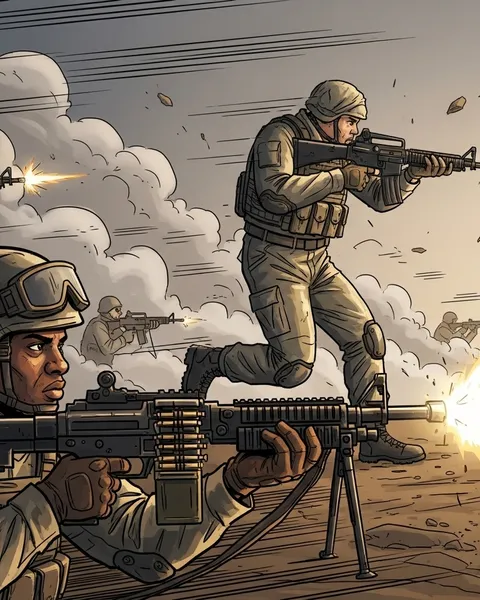
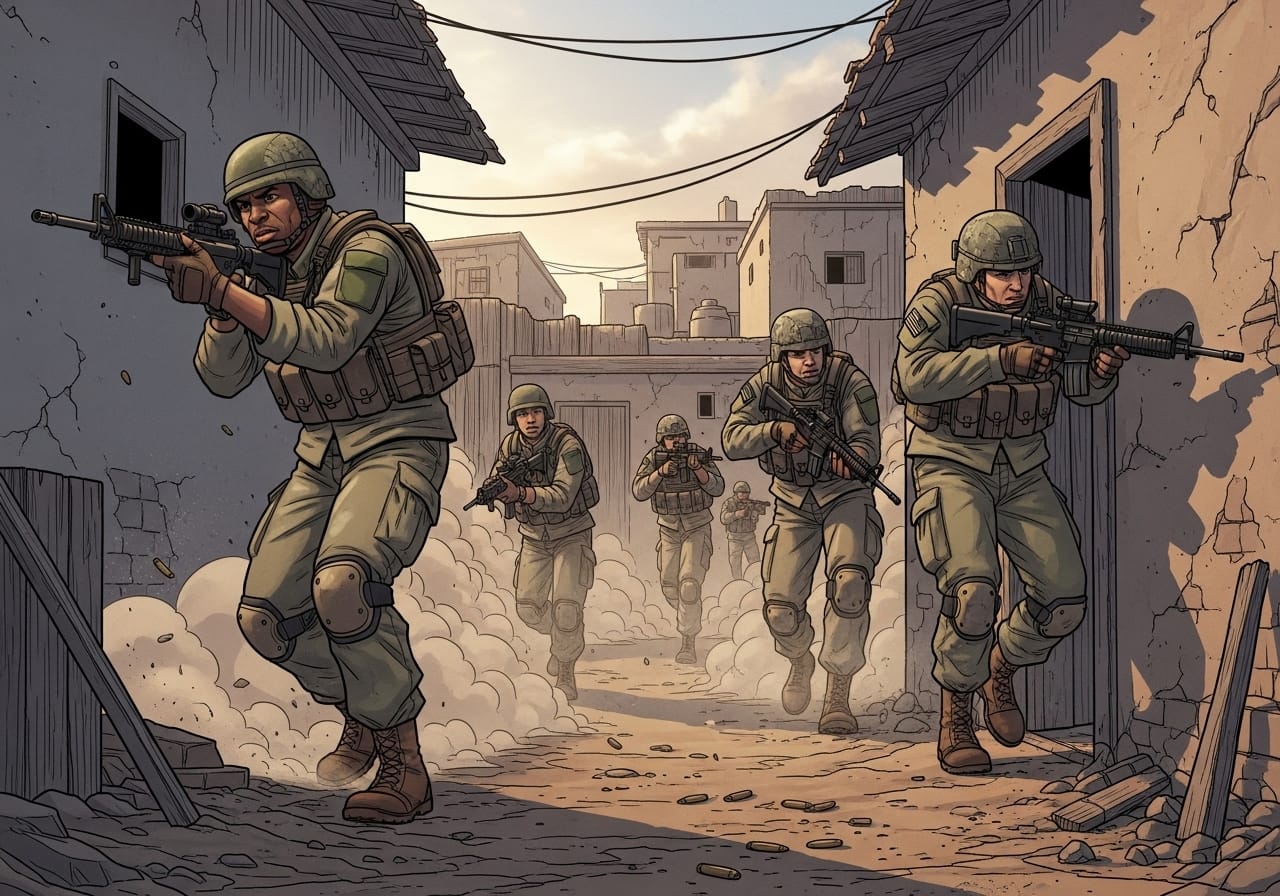
Arma 3 is already one of the most authentic sandbox shooters out there but for many players, that’s just the starting point. With the right mods, mission settings, and sound design, you can turn the game into a near-real military simulator.
Whether you’re running a private server, hosting training ops, or creating tactical missions, this guide covers the best ways to build realism without sacrificing performance or fun.
Step 1: Start with core realism mods 🧩
These are the foundation of any serious milsim setup.
ACE3 (Advanced Combat Environment)
The gold standard for realism. Adds medical systems, advanced ballistics, weapon resting, and environmental interaction.
💡 Must-have for: Squad-based operations, PvE missions, and tactical training.
CBA_A3 (Community Base Addons)
Required for most realism mods. Provides stable scripting and compatibility between systems.
🧱 Pro tip: Always load CBA first in your modline for best performance.
RHS Mods (United States, AFRF, GREF)
High-quality weapon, vehicle, and unit packs that bring authentic gear and handling to every faction.
🎯 Perfect for: Players who want NATO, Russian, and guerrilla forces that look and feel realistic.
Step 2: Add immersive mechanics ⚙️
Advanced Movement (Enhanced Movement Rework)
Lets you climb, vault, and move dynamically over obstacles, making every firefight feel tactical instead of clunky.
Task Force Arrowhead Radio (TFAR) or ACRE2
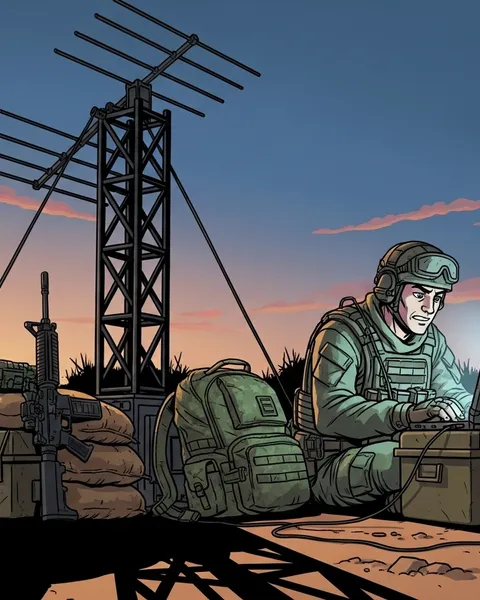
Simulates real radio communication. Uses actual radio frequencies, range limits, and interference for immersion.
🎧 Perfect for: Roleplay or co-op missions where teamwork matters.
LAMBS Danger FSM
Upgrades AI to flank, suppress, and take cover intelligently. Adds real tension to every engagement.
💡 Pro tip: Combine LAMBS with headless clients for large-scale AI battles without performance drops.
Step 3: Improve visuals and sound 🔊
JSRS Soundmod
Completely overhauls weapon and explosion sounds. Each rifle crack, explosion, and bullet snap feels terrifyingly authentic.
Blastcore Reborn FX
Adds improved smoke, tracer, and explosion effects for cinematic realism.
ReColor or Project SFX
Visual mods that adjust tone mapping and lighting for more grounded environments, less “gamey” and more gritty.
🎥 Tip: Avoid stacking multiple visual mods, they can conflict and hurt FPS.
Step 4: Tweak your settings 🎛️
Even without mods, small configuration changes make a big difference.
| Setting | Recommended Value | Why |
|---|---|---|
| View Distance | 2500–4000m | Matches real combat engagement ranges |
| AI Skill | 0.6–0.8 | Keeps firefights fair but dangerous |
| AI Precision | 0.3–0.5 | Prevents “laser” shooting from AI |
| Stamina System | Enabled | Forces weight management and planning |
| Third Person | Disabled | More immersion and realism |
💡 Pro tip: Use ace_advanced_ballistics for realistic bullet drop and wind effects if you’re confident in your aim.
Step 5: Choose realistic missions and scenarios 🎯
Certain community missions are built around authentic tactics and logistics.
Recommended scenarios:
- Antistasi Plus – Persistent guerrilla warfare and logistics simulation.
- Liberation RX – Large-scale cooperative capture campaign with supply chains.
- Dynamic Recon Ops – Randomised missions for training and realism-based progression.
- Patrol Ops 3 – Modular missions ideal for squad realism servers.
🧠 Pro tip: Run these missions with limited HUD and no crosshair for the full milsim experience.
Step 6: Build authentic loadouts 🪖
Use ACE Arsenal or Virtual Arsenal to customise soldier kits realistically:
- Avoid stacking unrealistic items, carry essentials only.
- Include maps, radios, and NVGs based on faction and mission time.
- Use weight limits seriously, ACE’s fatigue system rewards proper load balancing.
🎯 Example:
A rifleman’s basic loadout should weigh ~30 kg and include 6–8 magazines, a first aid kit, and grenades.
Step 7: Coordinate through comms and command 👥
Realism isn’t just visual — it’s teamwork.
- Use TFAR/ACRE2 for structured radio nets (e.g., squad, platoon, command).
- Appoint a Squad Leader and Medic in every session.
- Set up a mission briefing before deployment - map markers, roles, and objectives.
💬 Pro tip: Run “pre-op” tests for new players to check comms and roles before the mission begins.
Step 8: Balance realism and fun ⚖️
Total realism can sometimes slow things down — that’s fine for training ops, but not always for casual play.
- Simplify ACE medical for faster revives.
- Keep AI count reasonable for performance.
- Adjust fatigue and damage values to match player skill.
🧠 Goal: Realism should enhance gameplay, not frustrate it.
Final thoughts 💭
True immersion in Arma 3 comes from finding the perfect balance between authenticity and enjoyment. With ACE3, TFAR, and sound mods like JSRS, you can make every firefight feel tense, tactical, and unforgettable.
If you’re hosting with ChipHead, your realism experience gets even better - low-latency performance, mod management, and reliable uptime built for serious military simulation.
Stay sharp, communicate clearly, and remember: every bullet counts. 🎯