Why build your own missions ⚙️
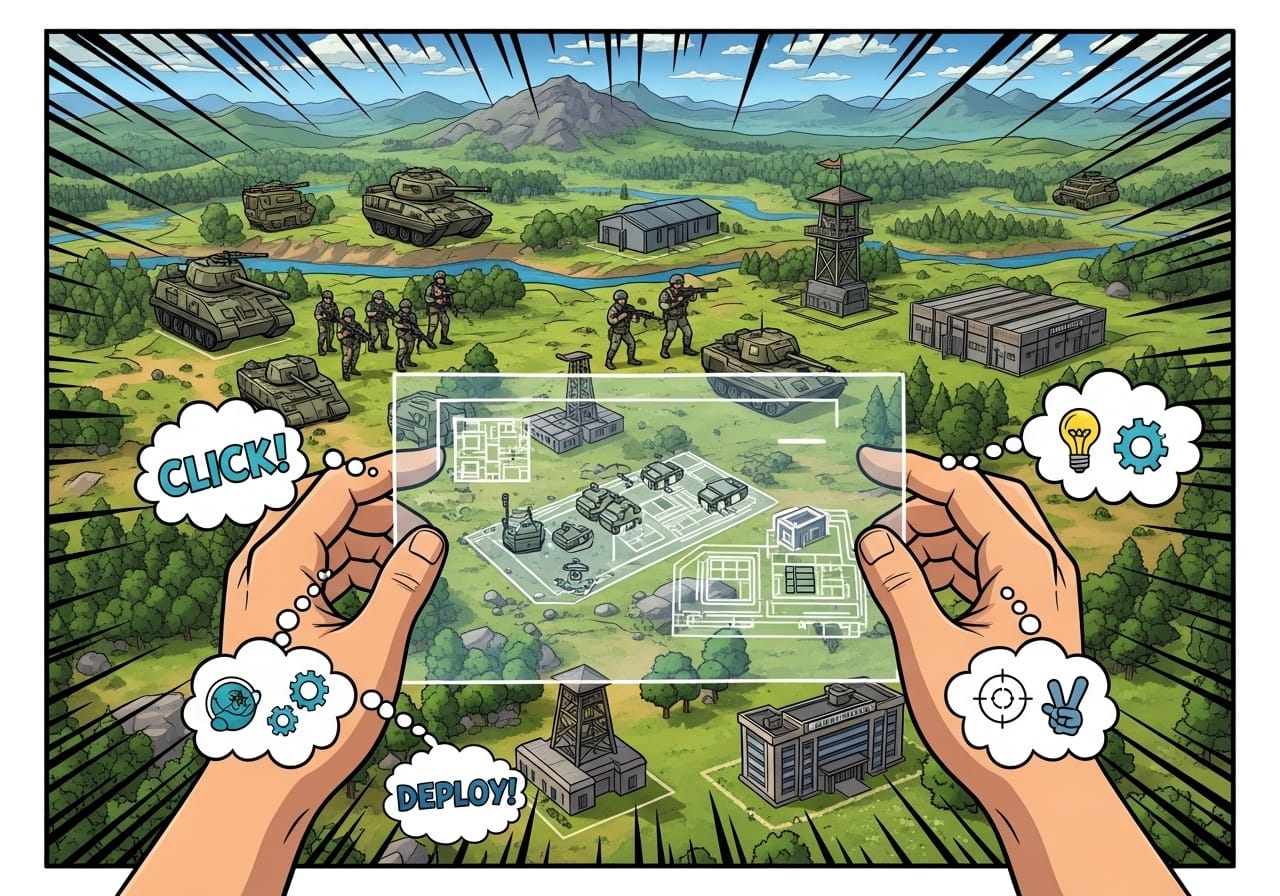
One of Arma Reforger’s greatest strengths is its freedom. Whether you want a fast-paced PvP firefight, a co-op patrol, or a full military campaign, the new Enfusion tools make mission creation easier and more powerful than ever.
This guide walks you through the basics of using Workbench, Game Master, and the Enfusion tools to design missions that feel professional, immersive, and optimised for performance.
Step 1: Understand your tools 🧰
Arma Reforger includes several built-in editors designed for different types of mission creation:
- Workbench: The main creation environment, used for scripting, terrain editing, and scenario logic.
- Game Master: The real-time editor, ideal for live sandbox missions.
- Scenario Editor (in-game): Simplified version for quick setup and single-player missions.
💡 Tip: If you’re new to mission design, start in Game Master before diving into Workbench. It’s faster and easier to experiment in real time.
Step 2: Set up Workbench ⚙️
Workbench is the backbone of mission design in Reforger.
- Launch Arma Reforger Tools from Steam.
- Choose Workbench from the menu.
- Create a new project and select your base map (e.g. Everon or Arland).
- Set a workspace path, preferably on an SSD for faster asset loading.
🧠 Pro tip: Keep your projects organised. Use separate folders for scripts, assets, and scenarios.
Step 3: Build your scenario 🪖
Inside Workbench:
- Add spawn points: Place player starting locations and faction roles.
- Define objectives: Add triggers for capturing zones, destroying targets, or completing tasks.
- Add enemies: Use AI groups and patrol paths to populate your battlefield.
- Include logic entities: For mission flow, objectives, and victory conditions.
🎯 Tip: Balance your mission for performance. Avoid spawning too many AI or physics-heavy props.
Step 4: Add triggers and scripts 💻
Reforger uses Enforce Script, a lightweight language similar to C++.
Common trigger types include:
- Area Trigger: Activates when players enter or leave a zone.
- Timer Trigger: Delays events for pacing.
- Condition Trigger: Checks for objectives completed or destroyed vehicles.
💬 Example:
Use an area trigger to start a firefight when players approach a camp. Pair it with a sound or smoke effect for immersion.
🧠 Pro tip: Use the Script Editor window to preview results instantly, no need to reload your mission each time.
Step 5: Add atmosphere 🎨
Small details make missions feel alive.
- Ambient sounds: Add wind, rain, and background chatter.
- Dynamic lighting: Adjust day/night cycles for mood.
- Particle effects: Use smoke, dust, or flares sparingly for realism.
- Weather triggers: Change fog or storms mid-mission for tension.
💡 Tip: Use ReColor or other lighting mods for enhanced visuals without hurting performance.
Step 6: Test and refine 🔍
Test your mission regularly, not just at the end.
- Play in single-player first to confirm triggers and spawns.
- Then host a small co-op test to catch sync or AI bugs.
- Use debug tools in Workbench (
Ctrl + D) to monitor performance.
🧱 Pro tip: If your FPS dips, reduce AI view distance or physics-heavy scenery.
Step 7: Publish to Workshop 🌐
Once your mission is stable and ready:
- Open the Publishing tab in Workbench.
- Add a name, description, and tags.
- Include preview images and version notes.
- Upload directly to the Arma Reforger Workshop.
🎯 Tip: Update regularly, community feedback helps refine your missions and boost visibility.
Step 8: Host your mission online 💾
For multiplayer testing:
- Add your mission to your server’s scenario rotation.
- Make sure all required mods are synced with the server.
- Restart after every major change to avoid desync.
💬 Bonus: Hosting through ChipHead simplifies everything - mod syncing, restarts, and Workshop updates happen automatically.
Final thoughts 💭
Creating missions in Arma Reforger is more accessible than ever and incredibly rewarding. With Workbench and the Game Master system, you can bring your ideas to life with cinematic precision and authentic military depth.
Whether it’s a stealth op, a rescue mission, or a full campaign, your next great scenario starts here. And if you’re hosting with ChipHead, you’ll have the reliable performance and mod tools you need to keep your creations running perfectly. 🎯